
It's the second week of the month. Nine clients are closed, fourteen are waiting on a receipt or a bank statement, and two just emailed to ask where their reports are. Sound familiar?
When you close books for a living, the checklist runs 20 or 40 times a month, for clients who are busy running their businesses. This one is built for that, so every client gets the same close without you starting from scratch each time.
Before month-end: set up the close
1. Set the close order
Rank clients by when they need reports and how fast they usually send what you need. Clients with lenders, investors or a sales tax filing date go first. A client who always sends statements late goes last, so they don't hold up everyone else.
2. Send one list of questions per client
Pull every uncategorized transaction, unmatched deposit and missing receipt into a single list, and send it a few days before month-end. One email with twelve questions gets answered. Twelve emails with one question each don't.
3. Confirm bank and card feeds are connected
A disconnected feed is a common reason a reconciliation comes up short. Check each account's last download date, and request statements for any account without a feed.
During the close: do the work
4. Bring in every transaction
Categorize the bank and card feeds, match deposits to invoices, and enter bills. Add sales from Stripe, Square or Shopify as summarized entries, not one line per sale.
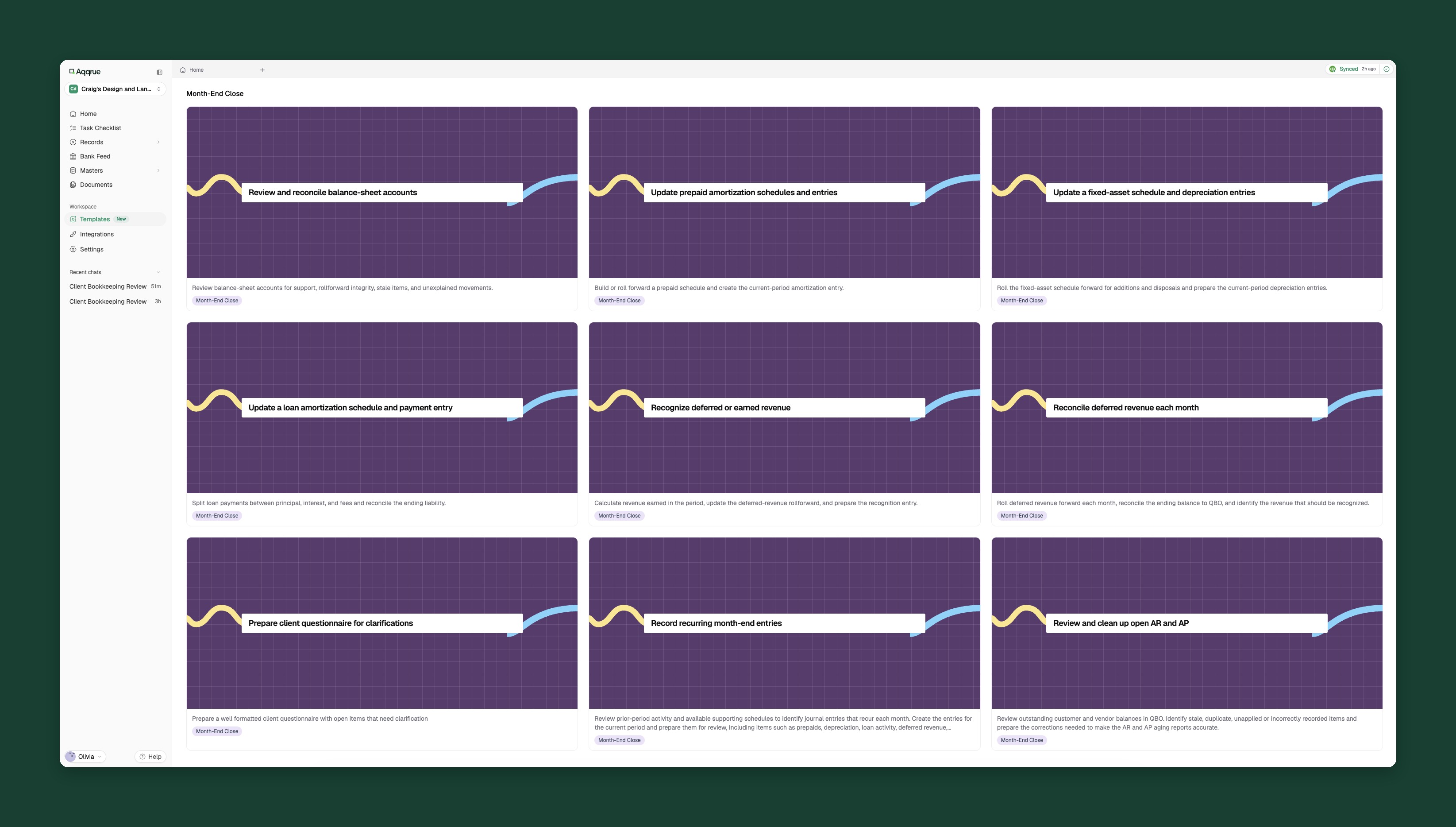
Download a template of the month-end close checklist
5. Reconcile every bank, card and loan account
Tie each one to the statement ending balance. If a card won't reconcile, here's how to find the gap and rebuild missing transactions from statements.
6. Post payroll correctly
Record gross wages, employer taxes and benefits from the payroll provider's report, not the net amount from the bank feed. Then check that payroll liabilities match what the provider says is owed.
7. Post adjusting entries
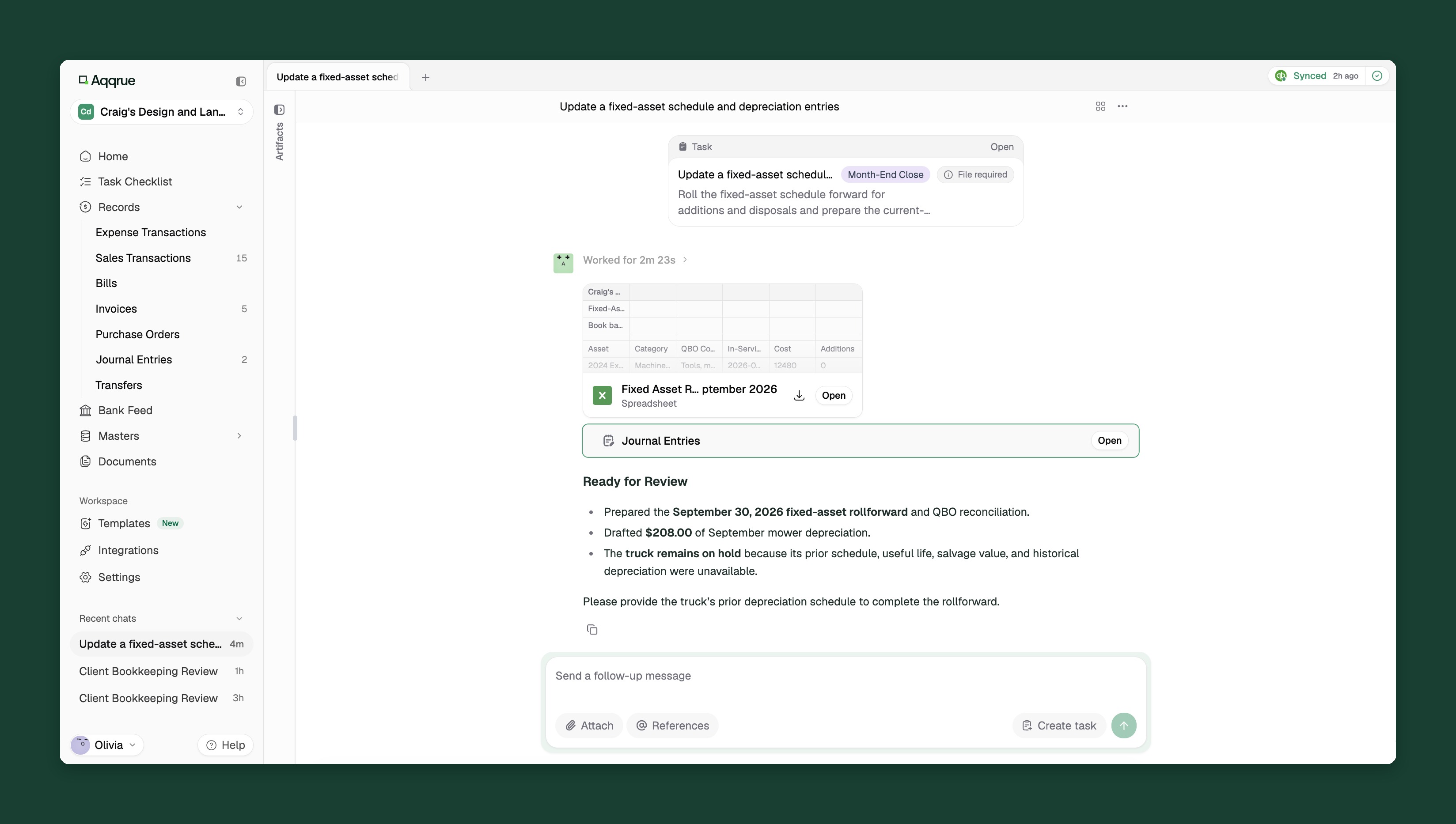
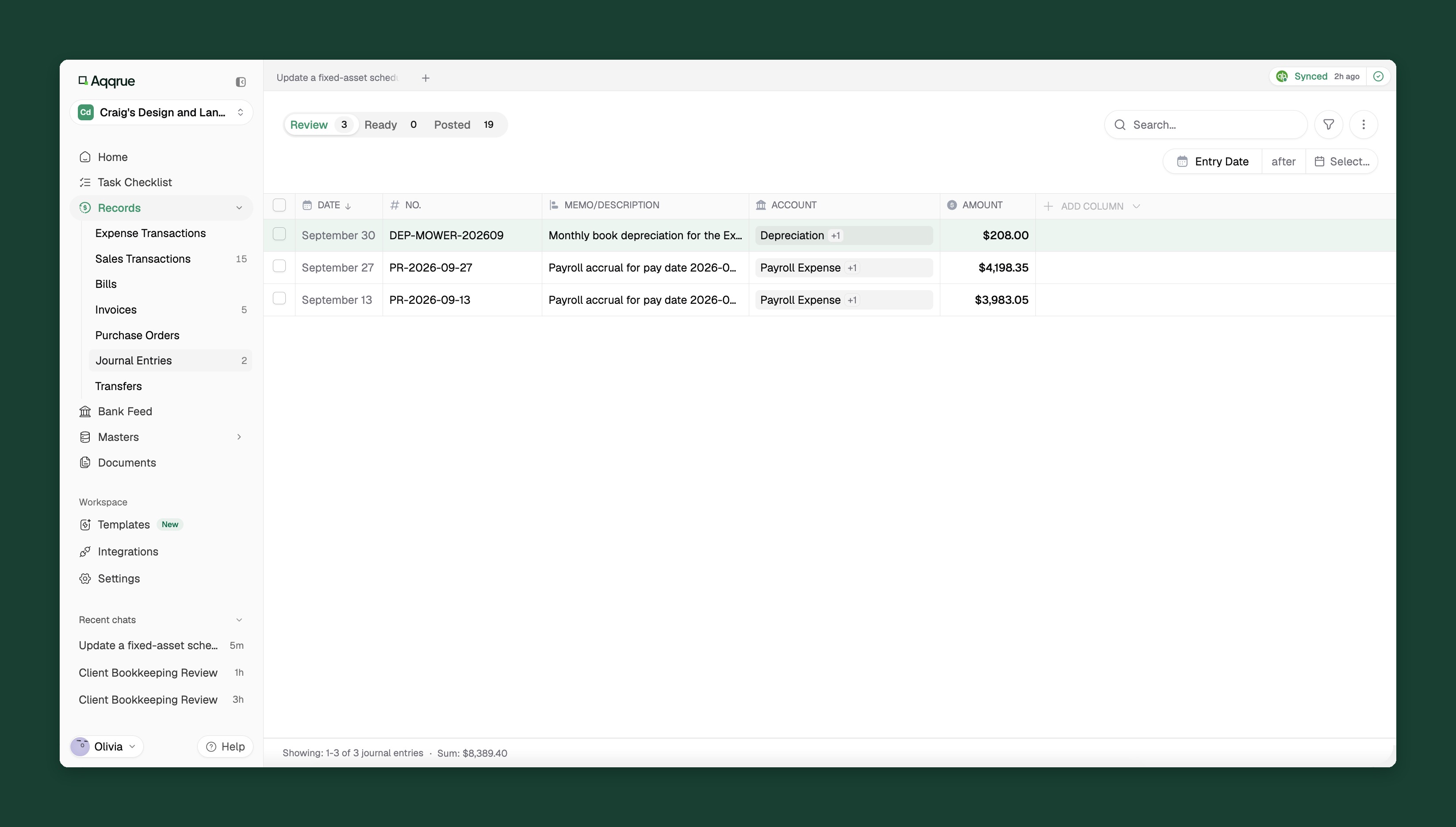
Accruals for bills that belong to this month, prepaid expenses spread over their months, and depreciation if the client has fixed assets. Keep a recurring entry or a schedule for each, so next month starts from it.
8. Clear the holding accounts
Uncategorized Income, Uncategorized Expense, Ask My Accountant and Undeposited Funds should end at or near zero. Anything left gets a note and goes on next month's question list.
9. Tie out AR, AP and sales tax
The AR and AP aging totals should match the balance sheet. Sales tax payable should match what the client will file.
After the close: review, lock and send
10. Review before anything goes out
A close isn't finished until someone has read the balance sheet, compared this month to last month and checked the entries. Our month-end review checklist covers that sign-off step by step.
Start your close at Step 10 with Aqqrue
11. Set the closing date
In QuickBooks Online, the close-the-books setting stops anyone from changing a month you've already finished. Only a primary or company admin can set it, so make sure your firm has the right access when you onboard the client.
12. Send the reports with a short note
A P&L, a balance sheet and three sentences on what changed and what you need from them next month.
13. Update the client's rules
Write down every decision you made this month: how a new vendor is coded, which bill you accrued, what the client told you about a large deposit. That page is what makes next month's close faster.
Running the same close for 30 clients
For one client, this checklist is a few focused hours. For 30, it's most of the month, and most of that time goes to the same steps: categorizing, matching, reconciling and writing entries you wrote last month too.
This is the work Aqqrue is built for. Start from Aqqrue's month-end close templates or import your own checklist, and it:
- Runs the routine steps. Aqqrue handles the journal entries, reconciliations and accruals on your checklist, so most of the close is done before you start. When a document is missing, such as an asset's prior depreciation schedule, it holds that item and asks for it instead of guessing.
- Turns your process into an SOP. It captures your steps and judgment calls for each task, so every client gets the same quality.
- Remembers each client. Tell it once how a client codes a vendor or handles an exception, and it applies that rule in every close.
- Stays in sync with QuickBooks Online. Changes in QBO sync back, and connected apps like Stripe, Square, Ramp and Brex come in without manual exports.
You still sign off on every close, and simply start review with most of the work already done.
Book a demo and run your next close in Aqqrue.